
Simplify E-commerce,
Accelerate Growth,
Reduce Costs
A leading platform to automate order processing, warehouses, inventory, couriers, and marketing for your business.

*Unicommerce helped process 25-30% of all e-commerce dropship shipments in India as per 1Lattice for FY25.

Trusted by E-commerce and Retail Pioneers


Unicommerce is Empowering
One-stop for All E-commerce Automation Needs
One-stop All E-commerce Automation Needs
Warehouse Management System

India’s top choice for managing warehouse and inventory operations across industries. Whether B2C or B2B, customize workflows to fit your business needs and scale effortlessly.
Know MoreOrder Management System

Selling on multiple platforms? Our system syncs your inventory in real time and processes orders live, all from a single panel, reducing complexity and improving efficiency.
Know MoreInventory Management System

From distinguishing between good and bad inventory to minimizing returns, Uniware's automated inventory management system is best fit for your business needs.
Know MoreOmnichannel Retail Management System
Manage inventory seamlessly across online channels and offline stores. Unlock powerful features like “Ship from Store” and hyperlocal delivery to improve customer experience
Know MoreSeller Panel

Run your marketplace with ease by managing vendors and supply-side operations on our platform. Leverage our extensive market coverage to grow your business.
Know MoreUniReco

Save up to 5% of your GMV with UniReco's advanced algorithm. Match orders, payments, and returns effortlessly across marketplaces, and resolve discrepancies in real time.
Know MoreCourier Aggregation

Deliver to 19,000+ pincodes across India with top couriers at attractive rates, starting at just ₹19/500gms, fast COD remittance, and reliable support.
Know MoreComplete Shipping Automation
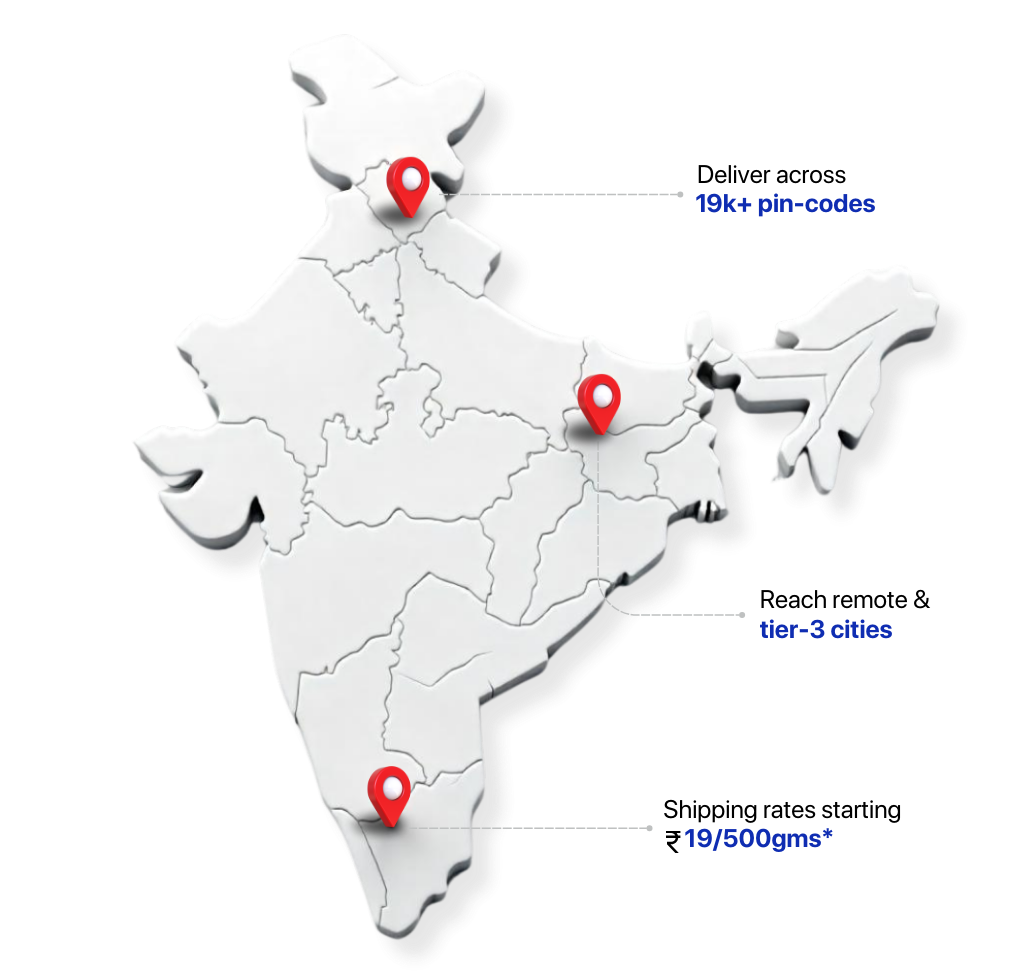
Take complete control of shipping operations — combine your courier relationships with our end-to-end logistics management platform to automate and simplify everything from courier allocation to returns management.
Know MoreNDR Management

Increase delivery rates with centralized NDR handling and branded follow-ups via WhatsApp, SMS and email.
Know MoreTracking & Notification

Reduce WISMO (Where is my order?) queries by up to 80% and enhance customer satisfaction with branded tracking page and notifications on WhatApp, SMS & e-mail.
Know MoreReturns & Exchange

Deliver the best post-purchase experience with instant refunds and smart exchanges that start right from your website.
Know MoreSubscriber Growth

Effortlessly grow your subscriber list with gamification, opt-in tools, and irresistible incentives—turning visitors into loyal subscribers and expanding your buyer base by 10X.
Know MoreCustomer engagement

Connect with your potential customers through highly personalized SMS & WhatsApp campaigns. Deliver the right message at the right time to the right audience with smart segmentation.
Know MoreCustomer Retention

Turn your one-time buyers into loyal customers with scratch-rewards, abandoned carts and custom automation flows, driving more repeat purchases effortlessly.
Know MoreWhatsApp Chatbot

Simplify customer interactions with smart WhatsApp chatbots, providing 24/7 assistance for pre-purchase, post-purchase and support queries.
Know More

Warehouse Management System
India’s top choice for managing
warehouse and inventory operations across industries.
Whether B2C or B2B, customize workflows to
fit your business needs and scale effortlessly.
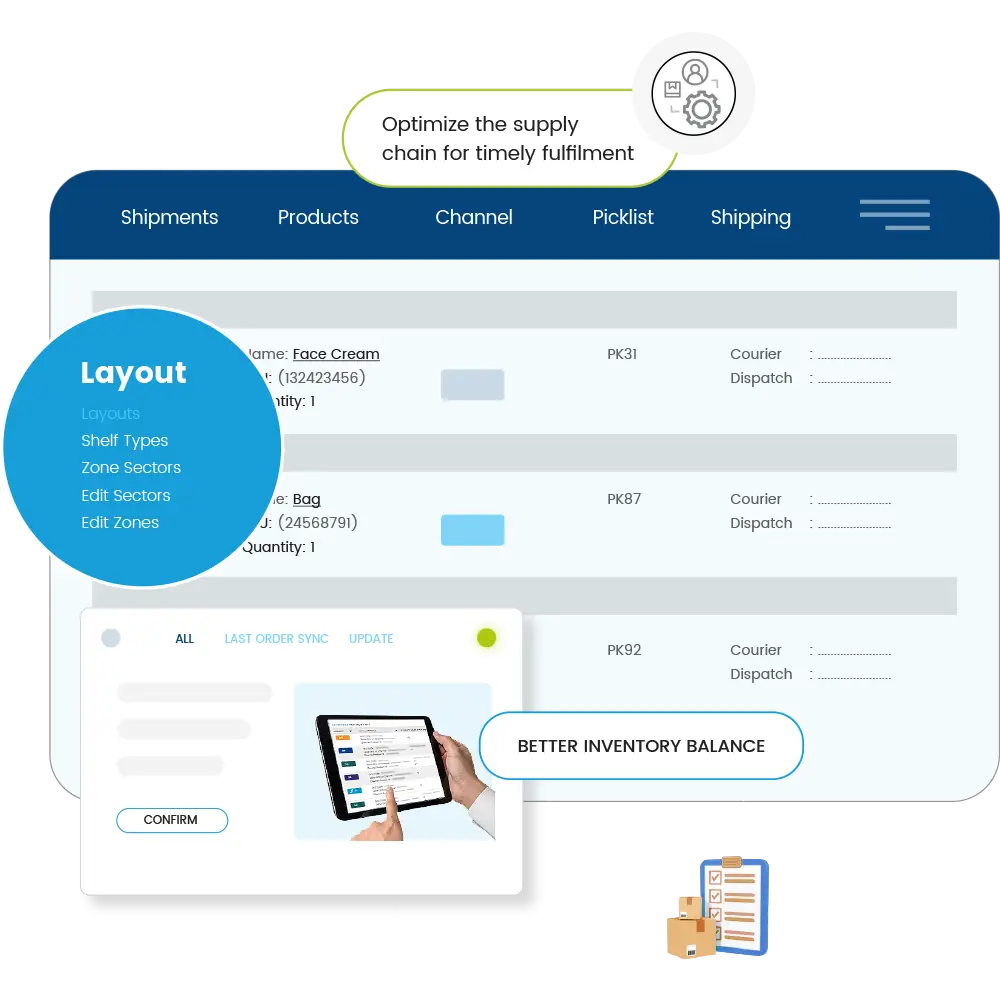

Order Management System
Selling on multiple platforms?
Our system syncs your inventory in real time and
processes orders live, all from a single panel,
reducing complexity and improving efficiency.


Inventory Management System
From distinguishing between
good and bad inventory to minimizing returns, Uniware’s
automated inventory management system is
best fit for your business needs.


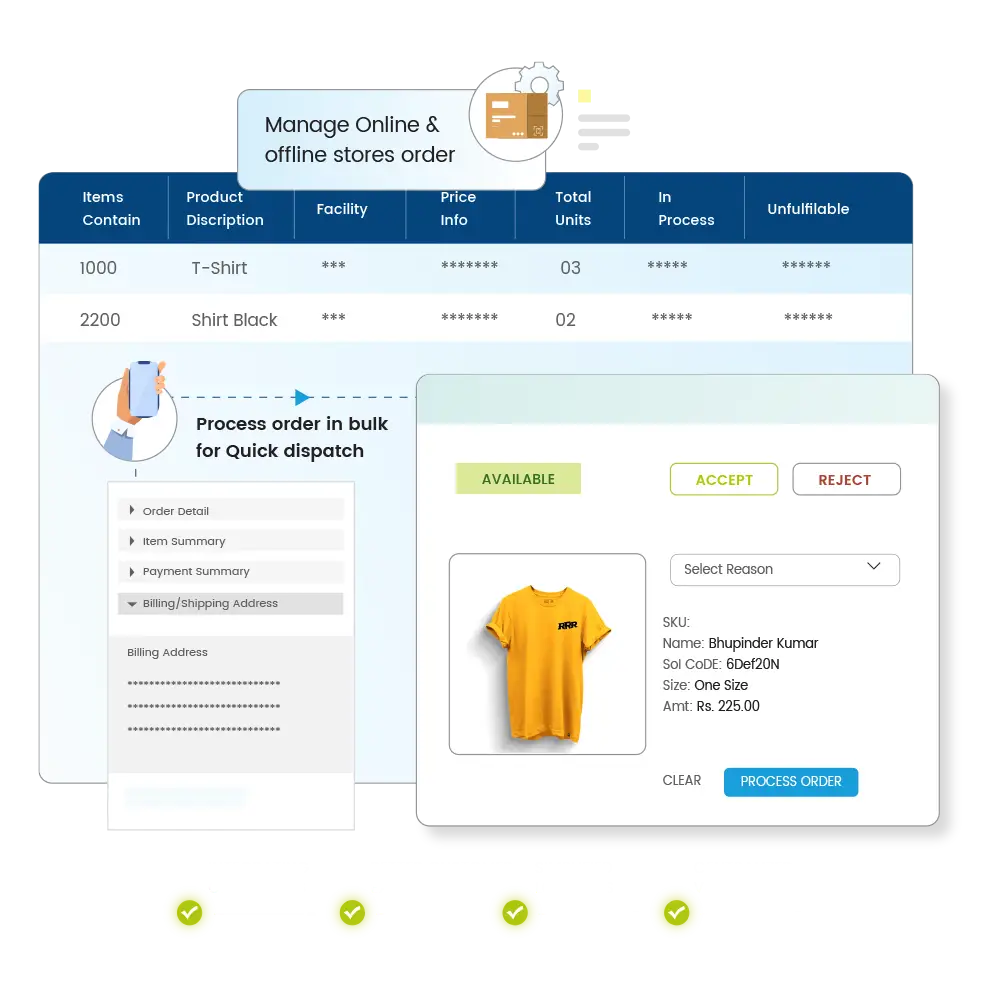
Omnichannel Retail Management System
Manage inventory seamlessly
across online channels and offline stores. Unlock powerful
features like “Ship from Store” and
hyperlocal delivery to improve customer experience.

Seller Panel
Run your marketplace with ease
by managing vendors and supply-side operations on
our platform. Leverage our extensive market
coverage to grow your business.


UniReco
Save up to 5% of your GMV with UniReco’s advanced algorithm. Match orders, payments, and returns effortlessly across marketplaces, and resolve discrepancies in real time.


Courier Aggregation
Deliver to 19,000+ pincodes across India with top couriers at attractive rates, starting at just ₹19/500gms, fast COD remittance, and reliable support.

Shipping Automation
Take control of shipping operations by combining your courier relationship with our end-to-end logistics management platform to automate everything from courier allocation to return management.


NDR Management
Increase delivery rates with centralized NDR handling and branded follow-ups via WhatsApp, SMS and email.


Tracking & Notification
Reduce WISMO (Where is my order?) queries by up to 80% and enhance customer satisfaction with branded tracking page and notifications on WhatApp, SMS & e-mail.


Returns & Exchange
Deliver the best post-purchase experience with instant refunds and smart exchanges that start right from your website.



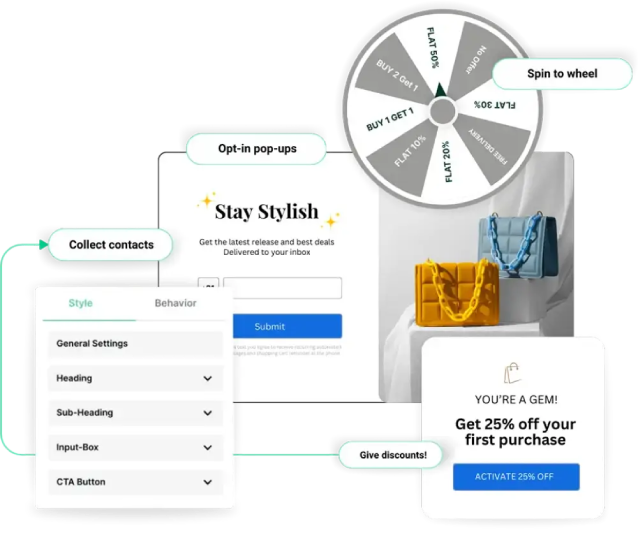
Subscriber Growth
Effortlessly grow your subscriber list with gamification, opt-in tools, and irresistible incentives—turning visitors into loyal subscribers and expanding your buyer base by 10X.

Customer engagement
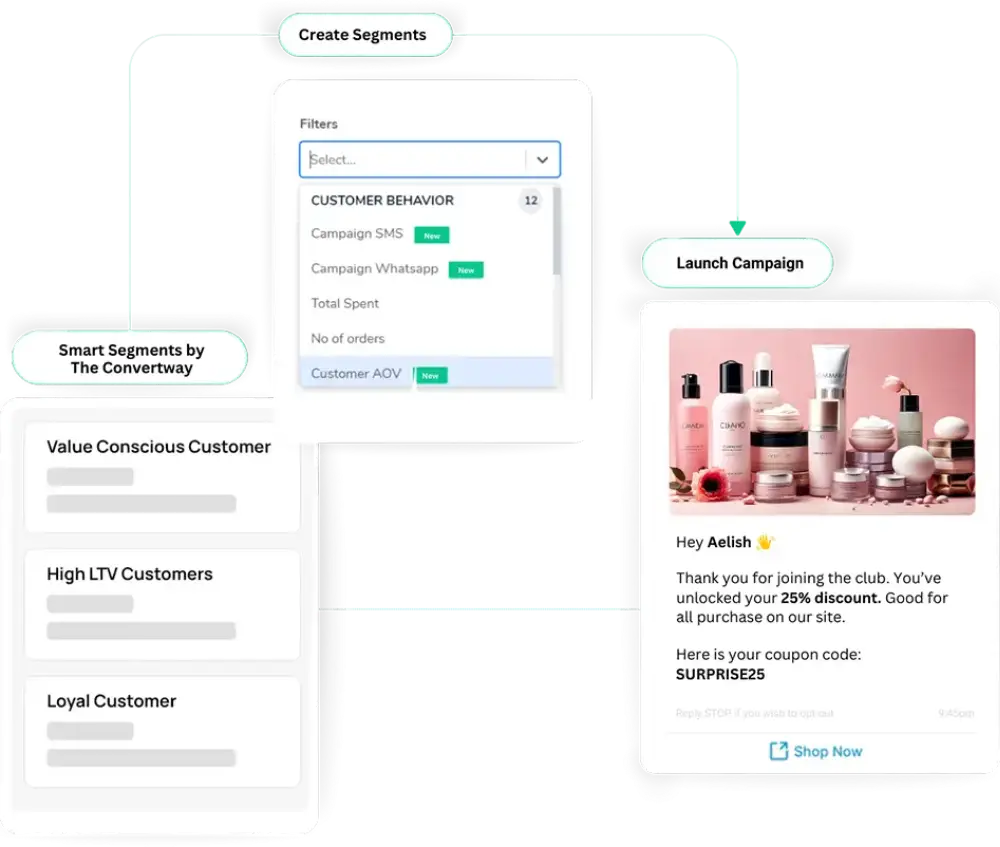
Connect with your potential customers through highly personalized SMS & WhatsApp campaigns. Deliver the right message at the right time to the right audience with smart segmentation.

Customer Retention
Turn your one-time buyers into loyal customers with scratch-rewards, abandoned carts and custom automation flows, driving more repeat purchases effortlessly.


WhatsApp Chatbot
Simplify customer interactions with smart WhatsApp chatbots, providing 24/7 assistance for pre-purchase, post-purchase and support queries.

Go-to Choice for E-commerce Businesses of All Sizes
290+ Plug & Play Integrations
Reach out to millions of customers and expand your product portfolio using power-packed marketplace integrations, including Amazon, Flipkart, Myntra, Meesho, Lazada and many others.

Manage your orders and shipments coming in from your website hosted with Shopify, Magento, WooCommerce, and other cart softwares as well as your mobile apps.

Ensure faster deliveries by integrating with top last-mile delivery platforms like Shipway, Blue Dart, Ekart Logistics, DHL, DTDC, Shiprocket, and many others.

Streamline your financial, business and GST compliance operations with seamless integrations with leading accounting software and ERPs, including Tally, Busy, SAP, Oracle, Microsoft Navision, and more.

Build integrated offline & online capabilities to deliver quick services to your customers with simple yet scalable POS integrations, such as Ginesys, Logic ERP, among others

We are Recognised by Experts as a Market Leader


